
Hardware and memory upgrades
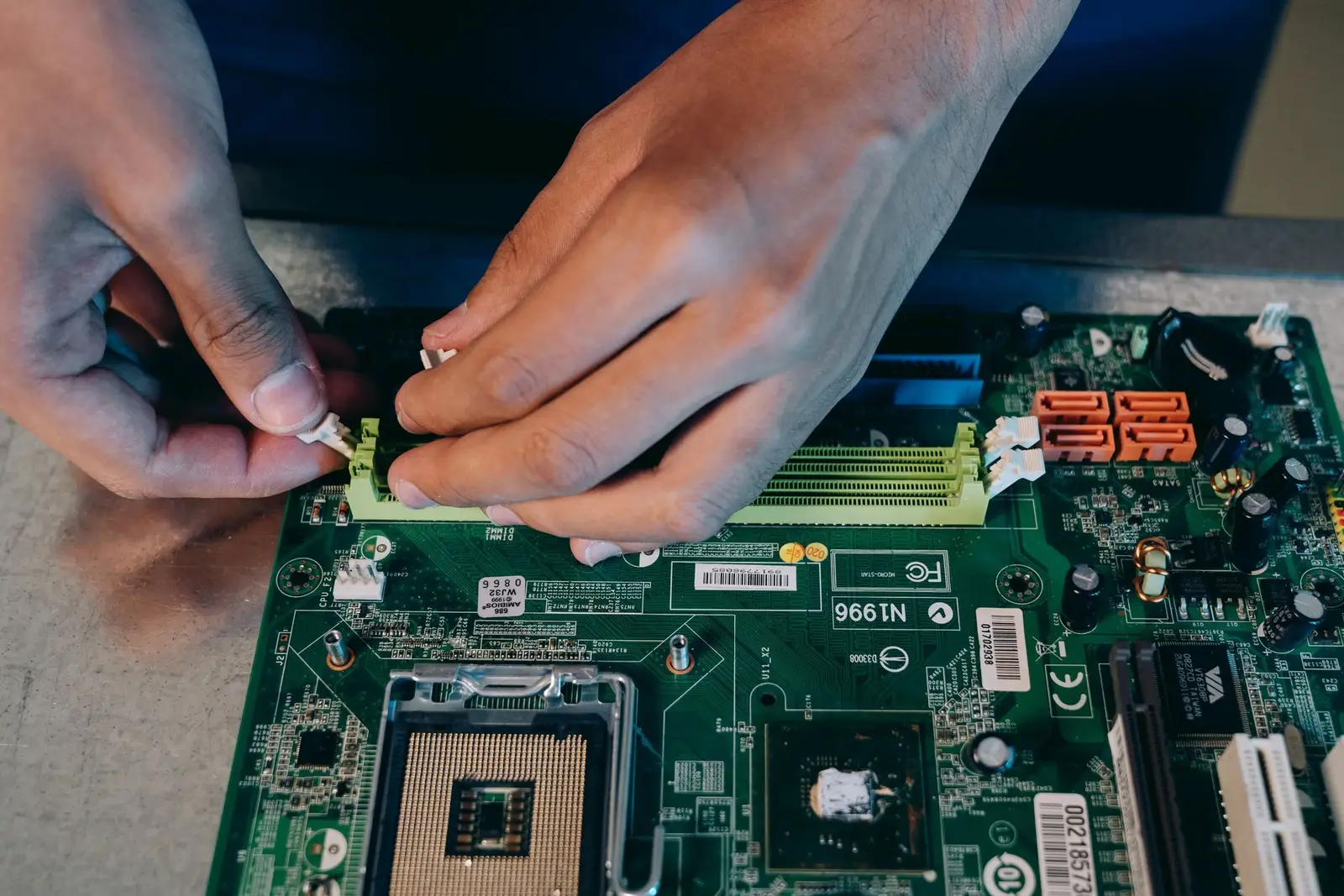
- Memory (RAM) installs
- Hard drive and SSD installs
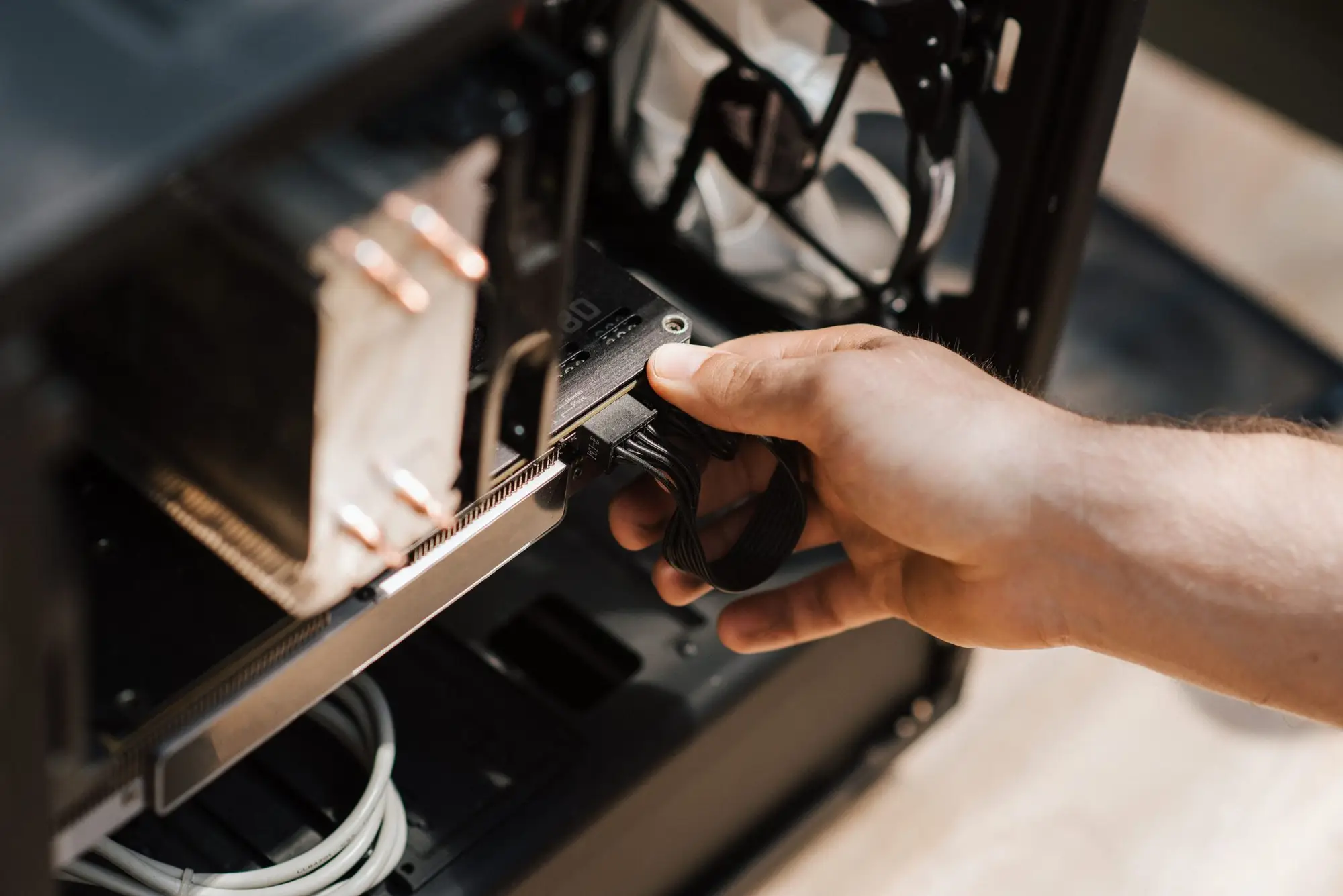
- Graphics cards
- Comes to you or works remotely
- PC & Mac
More about Hardware & Memory Installs
About Hardware & Memory Installs
Sometimes a slow computer doesn't need replacing, it needs more memory or a faster drive. Kevin installs internal and external components, checks the computer recognises them and makes sure everything works before he leaves.
- Memory (RAM) installs
- Hard drive and SSD installs
- Graphics cards
- Printers, scanners and other peripherals
- Configuring and testing the new part
Signs it's time
- An older computer that's just slow
- Running out of storage space
- A new printer or part you can't get working
How Kevin handles it
- 01
Check what fits
Slots, connections and compatibility, before you buy anything.
- 02
Install it
Fitted, connected and recognised by the computer.
- 03
Test it
Checked in the system and in use, so you know it's working.
Questions
Is the part included?
Usually not. Kevin can tell you what to buy so it fits your computer.
Is upgrading worth it over buying new?
Often, yes. More memory or a solid-state drive can make an older computer feel new. Kevin will tell you honestly if it isn't.
Where Kevin does this work
Get a quote
Tell Kevin what the computer is doing. A name and a number is plenty.
(443) 681-9916- Owner-run: you deal with Kevin
- He comes to you, or fixes it remotely
- Baltimore, Howard & Anne Arundel counties
Send the details